
midnight commander: colorscheme
• 187 words • 1 min • updated
GNU Midnight commander:
is a visual, dual-pane file manager. It is released under the GNU General Public License and therefore qualifies as Free Software.
Midnight Commander is a feature-rich, full-screen, text-mode application that allows you to copy, move, and delete files and entire directory trees, search for files, and execute commands in the subshell. Internal viewer, editor and diff viewer are included.
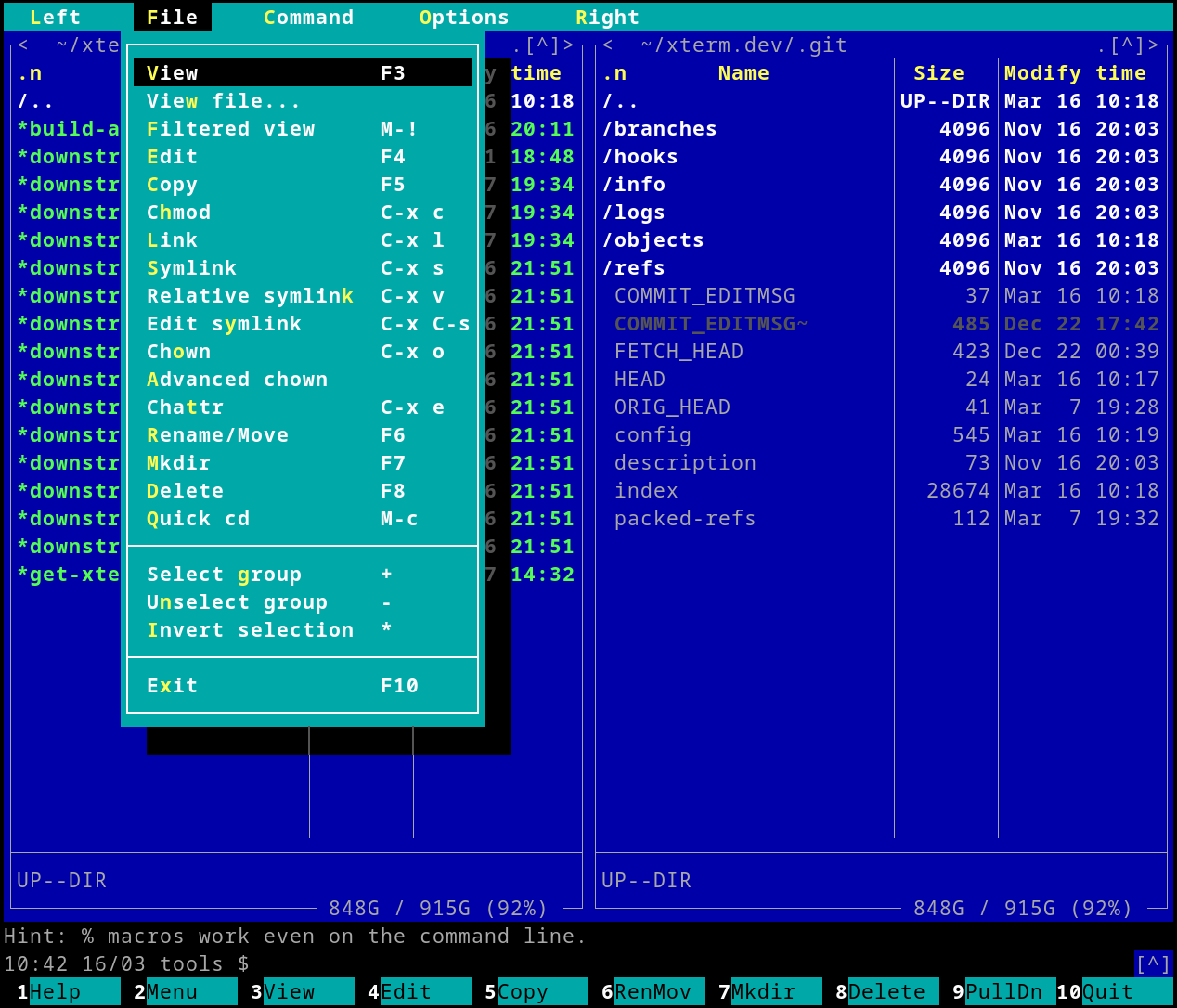
It’s available virtually everywhere.
I normally use ranger, but I wanted to give
mc a try.
There has always been one problem: its default colorscheme is absolutely terrible. Its lack of contrast is flabbergasting.
Well, I finally found a way to make it look better, without much fuss:
- Open
mc - Click “Options” in the top file menu
- Click “Appearance”
- Change the skin to
modarin256
It’s one of the fewest built-in colorscheme themes I could find that strikes a good color contrast balance. Most other themes (including the default one) are unreadable.
You can preview all themes on the MC skins website.
There are lots of jokes about how to quit vim, but do you know how to quit
mc? Press F10 or type exit<CR>.
Credits. ∎
Backlinks
- git: ignore changes to tracked files (Aug 26, 2025)